


"Before submitting my essays, I always run them through LexiCheck. It catches the small spelling and grammar errors I miss, and the explanations actually teach me why something is wrong."

Nhat Minh
Student
 AI-Powered | Explains In Your Native Language
Upgrade to Pro
Get the Pro – Unlimited plan to unlock all apps and premium features.
LexiBot is not responding
This is usually caused by outdated browser cache or cookies. Please try the steps below first.
First, open LexiBot in an Incognito window and use it there to see if everything works normally.
If LexiBot works normally in Incognito mode, continue to Step 2.
AI Language
Null
Null
Click the box or drag your images here to upload.
Supported file types: JPEG, JPG, PNG, WebP. Maximum size: 2 MB.
If your file type isn't listed, please convert your image using CloudConvert Image Converter .
Detailed Assessment: If you select the "Detailed
Assessment" option, the results will appear here.
Note: Scores are for reference only.
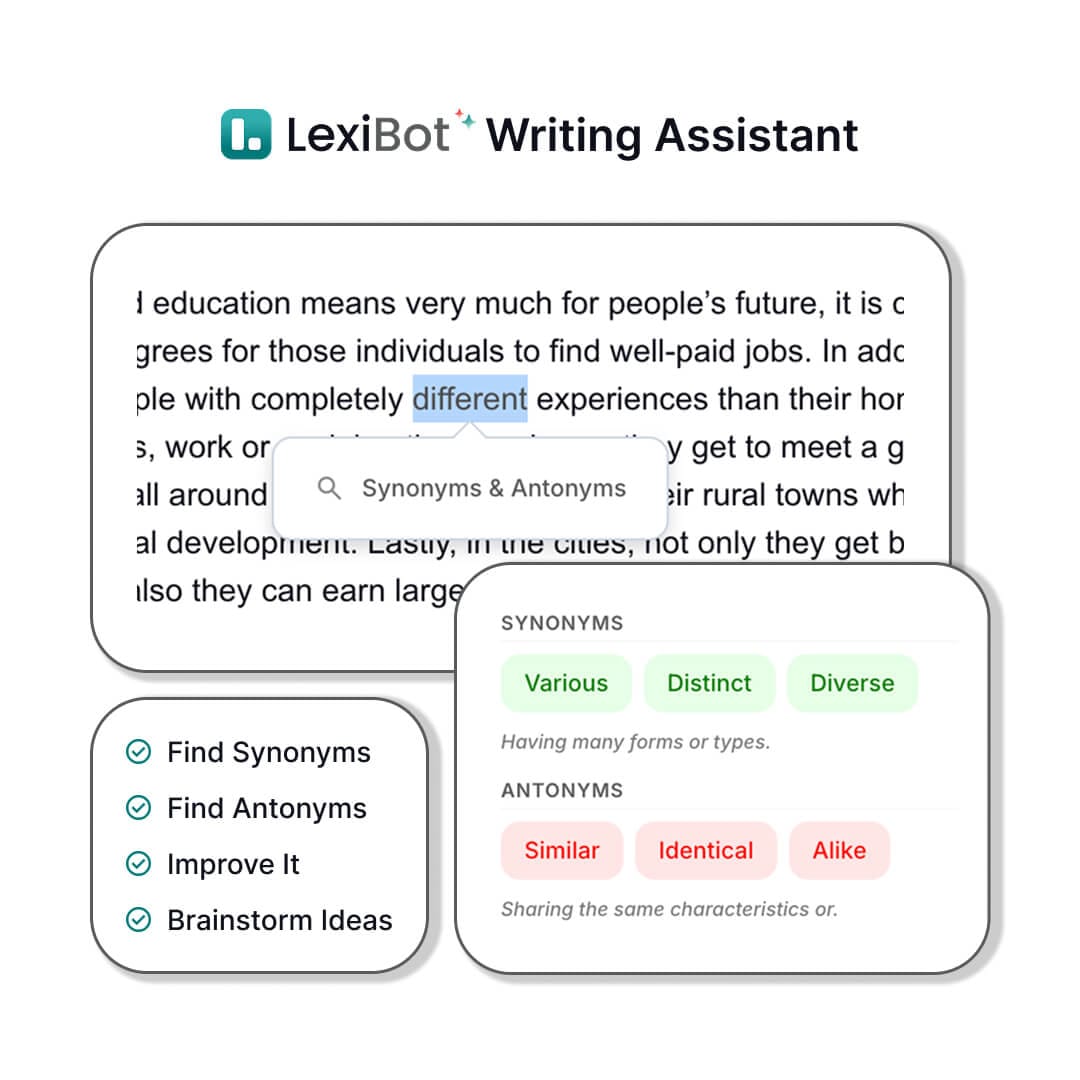
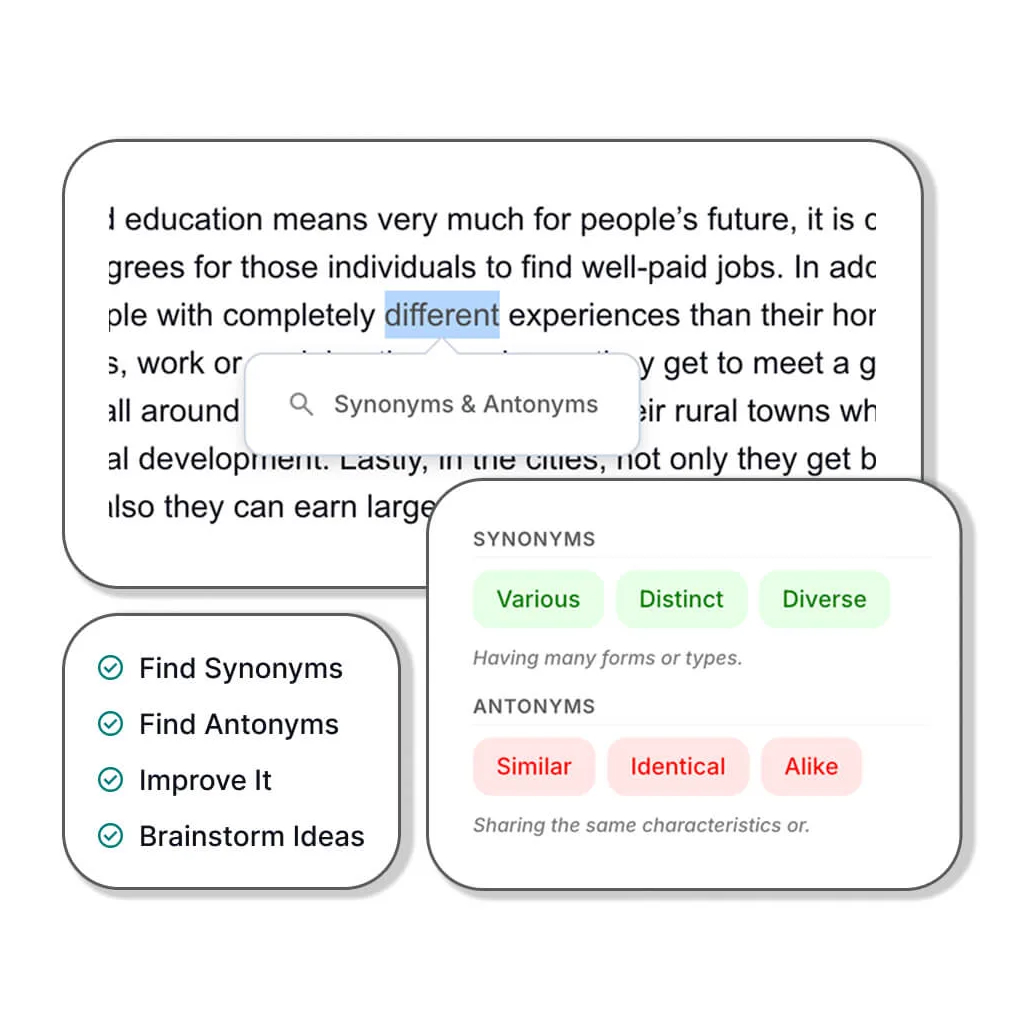
Tip (Desktop only): Highlight any word, sentence, or paragraph in your essay to activate the AI Writing Assistant and get instant suggestions.
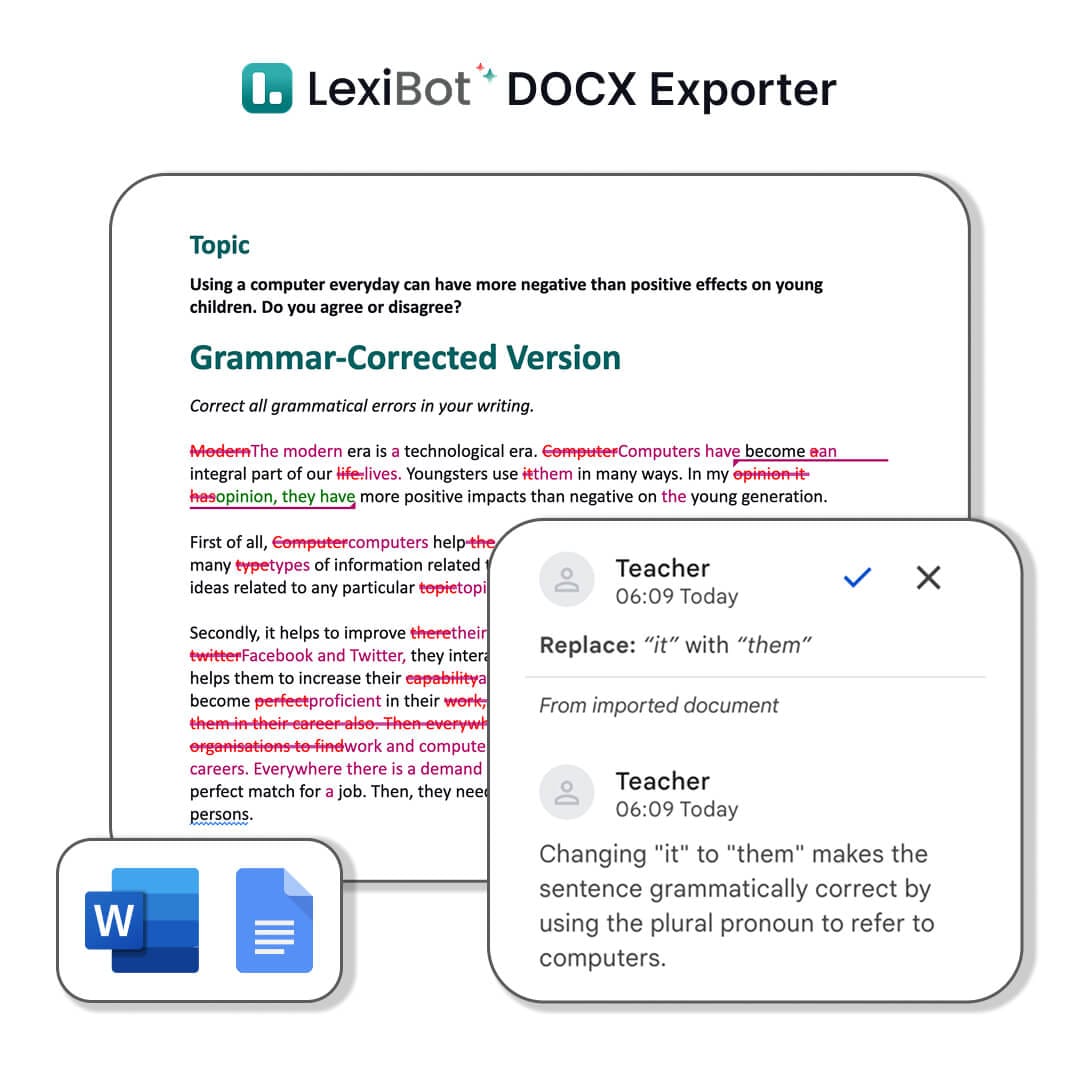
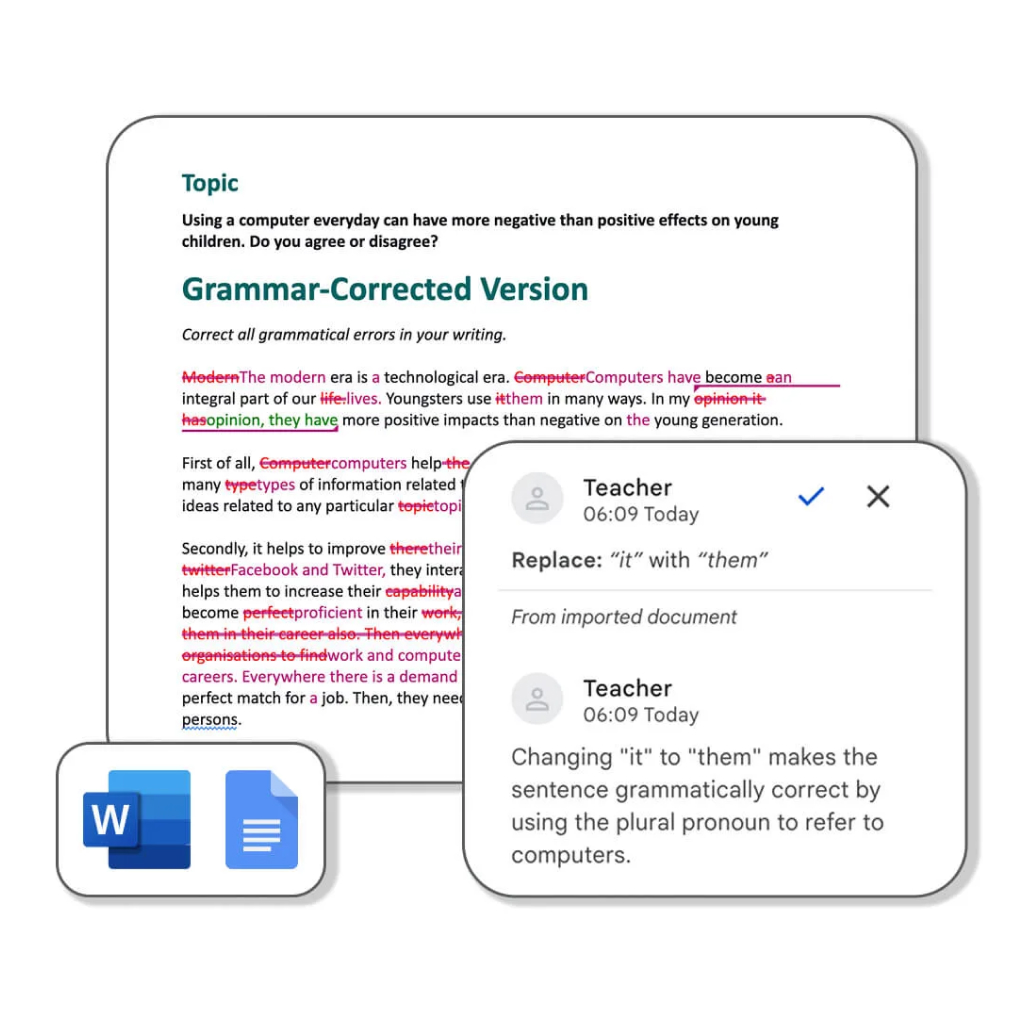
Below is a preview of what’s included in the DOCX files.
(Beta) Personalize the AI voice to better match your teaching style.
Customize your .DOCX files
Pick your band to get feedback that's right for you.
Click the box or drag your images here to upload.
Supported file types: JPEG, JPG, PNG, WebP. Maximum size: 2 MB.
If your file type isn't listed, please convert your image using CloudConvert Image Converter .
Feedback from students, teachers, and writers using LexiCheck to fix spelling, check grammar, and review their work before submitting.
"Before submitting my essays, I always run them through LexiCheck. It catches the small spelling and grammar errors I miss, and the explanations actually teach me why something is wrong."
Nhat Minh
Student
"As a self-learner, I needed a grammar tool that explains errors without overwhelming me. LexiCheck flags punctuation mistakes, grammar issues, and suggests clearer rewrites in a straightforward way."

Quynh My
ESL Student
"I use LexiCheck for emails, lecture notes, and professional documents before sharing them. It catches awkward phrasing and punctuation I overlook, and the style suggestions are genuinely helpful."

Minh Tam
Language Lecturer
"I've tried several spell checkers for my students, but LexiCheck explains errors in context more clearly. Students don't just see what's wrong — they understand why it needs fixing."

Ananya Iyer
IELTS Instructor
"My students use LexiCheck to self-review before class. They appreciate that the suggestions preserve their original meaning while making sentences clearer and more natural."

Sarah Jenkins
English Teacher
"I tested LexiCheck with a group writing in both English and Vietnamese. It handled both languages cleanly, and the error highlights, grammar fixes, and suggestions were easy to follow."

Cong Vinh
Language Lecturer
LexiCheck is an AI-powered Chinese grammar and spell checker. Paste Chinese text, click check, and get detailed grammar explanations, spelling corrections, and style suggestions — with AI explanations in English or any other language you choose.
4.5 / 5 - clear, actionable feedback from LexiCheck
350,000+ students, teachers, and writers across the LEXI ecosystem worldwide



Foreign Trade University

National Economics University



NUST Pakistan


IIT Delhi

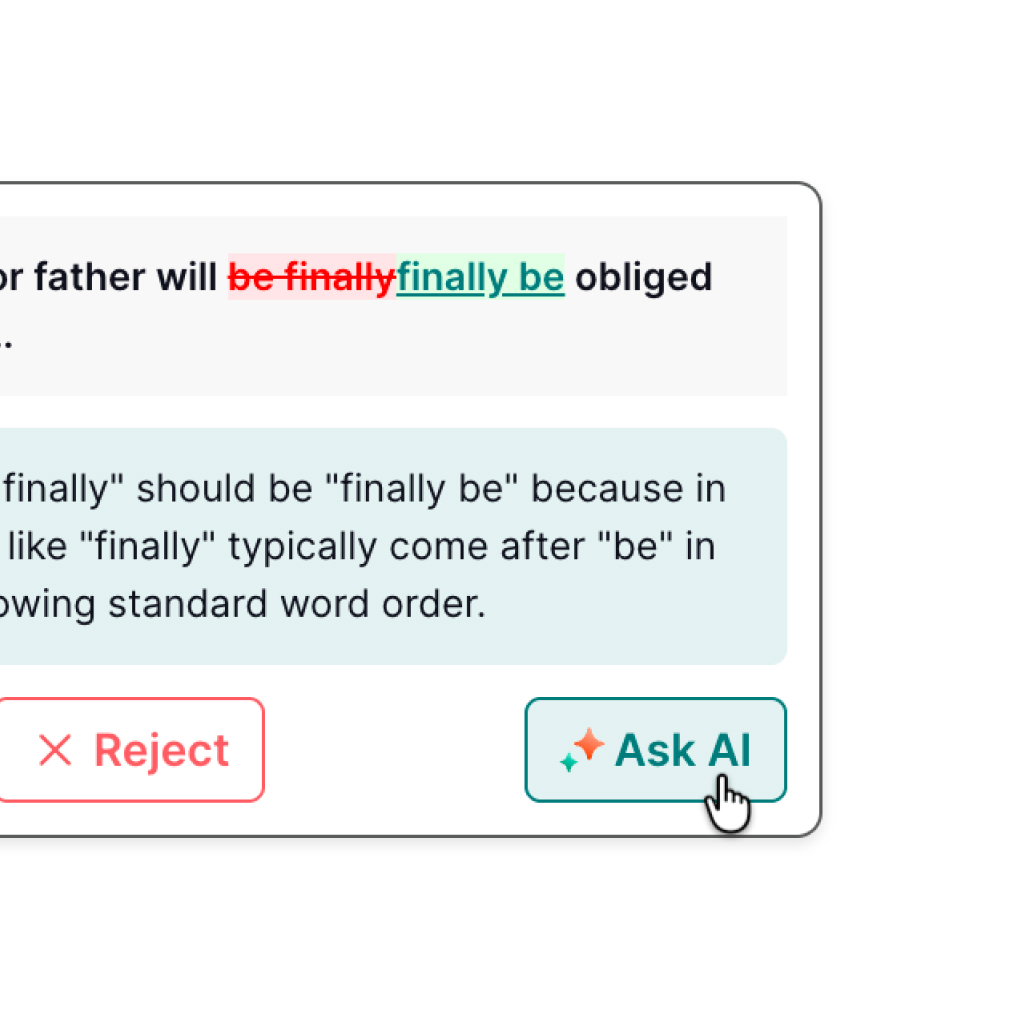
Errors in Chinese text are highlighted in red and corrections shown in green — so you can see and learn from every mistake instantly.
Get concise grammar explanations in English or your native language from a model trained specifically on Chinese grammar patterns.
Download the fully corrected Chinese document with grammar errors underlined and all AI comments ready to review.
LexiCheck checks Chinese spelling and grammar in context. Errors are marked in red and corrections shown in green so you see exactly what needs changing.
Ask the AI about any Chinese grammar point, character usage, or sentence structure right inside LexiCheck — in English or your preferred language.
Download your corrected Chinese document as a DOCX file with grammar errors underlined and all AI comments intact — ready to share or edit in Word.
LexiCheck checks Chinese (Simplified), Chinese (Traditional), and 100+ additional languages — all in one tool.
Paste Chinese text, click check, and see clear spelling and grammar suggestions almost instantly.
Check nowA custom-trained AI model explains Chinese grammar errors in context — in the language you are using.
Check nowSee rewrite suggestions, improve clarity, and make your Chinese sentences more natural.
Check nowIncrease your limits, unlock the full tool suite, and access advanced AI writing features.
View pricingPaste Chinese content, choose your explanation language, and let AI help you fix spelling, check grammar, and clarify your writing.

Paste your Chinese text: Type or paste Chinese text directly into LexiCheck to start the spell and grammar check.
Choose explanation language: Select the language (e.g. English) you want AI to use for error explanations.
Enable AI analysis: Get an overall assessment, improvement suggestions, and answers to Chinese grammar questions.
Review and download: Click to fix, see errors in red and corrections in green, then download the DOCX to save your edits.
LexiCheck is more than a Chinese spell checker. Each user group gets the right support when writing, learning, editing, or giving feedback on Chinese text.
Practice writing in Chinese, catch common errors, see corrections in green, and read clear explanations before submitting.
Cut marking time with clearly flagged Chinese errors, detailed AI comments, and a shareable DOCX.
Paste a Chinese draft, smooth out sentences, and download a DOCX with underlined errors to keep editing.
Common questions about using LexiCheck to check Chinese spelling, grammar, and writing.
Yes. LexiCheck supports both Chinese Simplified and Chinese Traditional for spelling and grammar checking.
Use LexiCheck for free to fix Chinese spelling and grammar. Upgrade to Pro when you need more usage and advanced AI features.